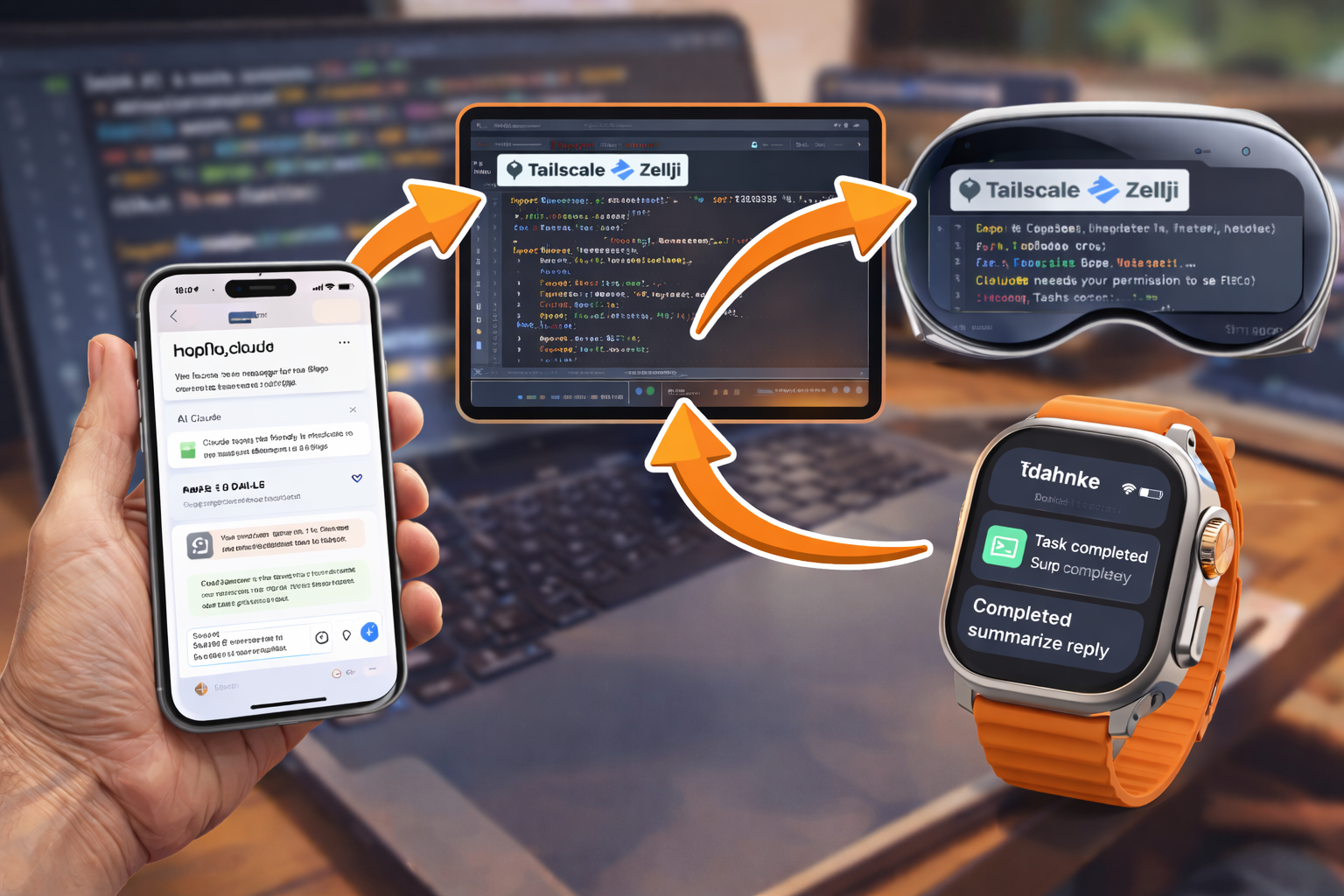
3 Ways to Control Claude Code from iPhone/iPad
Claude Code sessions can run for hours. Here are three ways to control them from your phone—from polished mobile app to DIY terminal access.
TL;DR: Want easy? Use Happy. Want power? Use SSH + Zellij. Just want alerts? Use ntfy notifications only.
Compare the Approaches
| Approach | Setup Time | UI | Best For |
|---|---|---|---|
| Happy App | ~1 hour | Polished mobile app | Easy mobile experience |
| SSH + Zellij | ~20 min | Terminal | Full control, power users |
| Notifications Only | ~15 min | Push alerts | Minimal setup, just know when to check |
Happy App
A polished mobile app with a nice UI. Tap to approve, see output, manage sessions.
Pros:
- Clean mobile interface
- Easy to use
- Works with Claude Code and OpenAI Codex
Cons:
- Requires self-hosting a server (or trusting theirs)
- More moving parts (Docker, HTTPS)
- ~1 hour setup
Best for: People who want a mobile-native experience and don’t mind running a server.
→ Self-Host Happy Server for Claude Code on iPhone/iPad
SSH + Zellij
SSH into your Mac from your phone. Full terminal access with persistent sessions.
Pros:
- Full terminal power
- Sessions survive disconnects
- No server to run—just your Mac
- ~20 min setup
Cons:
- Terminal UI on small screen
- Requires Tailscale (or similar VPN)
Best for: Developers comfortable with terminals who want full control.
→ Control Claude Code from iPhone with SSH + Zellij
Notifications Only
Just get push notifications when Claude needs you. Check your Mac when you get an alert.
Pros:
- Minimal setup (~15 min)
- No remote access to configure
- Works with any notification service
Cons:
- Still need physical/remote access to respond
- No mobile control—just alerts
Best for: People who work from home/office and just need to know when to check.
→ Push Notifications for Claude Code with ntfy
My Setup
I use SSH + Zellij for access plus ntfy notifications for alerts. Best of both:
- Get notified when Claude asks a question
- SSH in from my phone to answer
- Detach and go back to what I was doing
Total setup time: ~35 minutes.
Quick Decision Guide
“I want the easiest mobile experience” → Happy App
“I’m comfortable with terminals and want full control” → SSH + Zellij + Notifications
“I just want to know when Claude needs me” → Notifications Only
“I don’t want to set anything up” → Check the Happy public server (but your code goes through their infrastructure)
Questions? Find me using the links on the left or in my site’s menu.