Using Claude Code CLI in VS Code's Secondary Side Bar
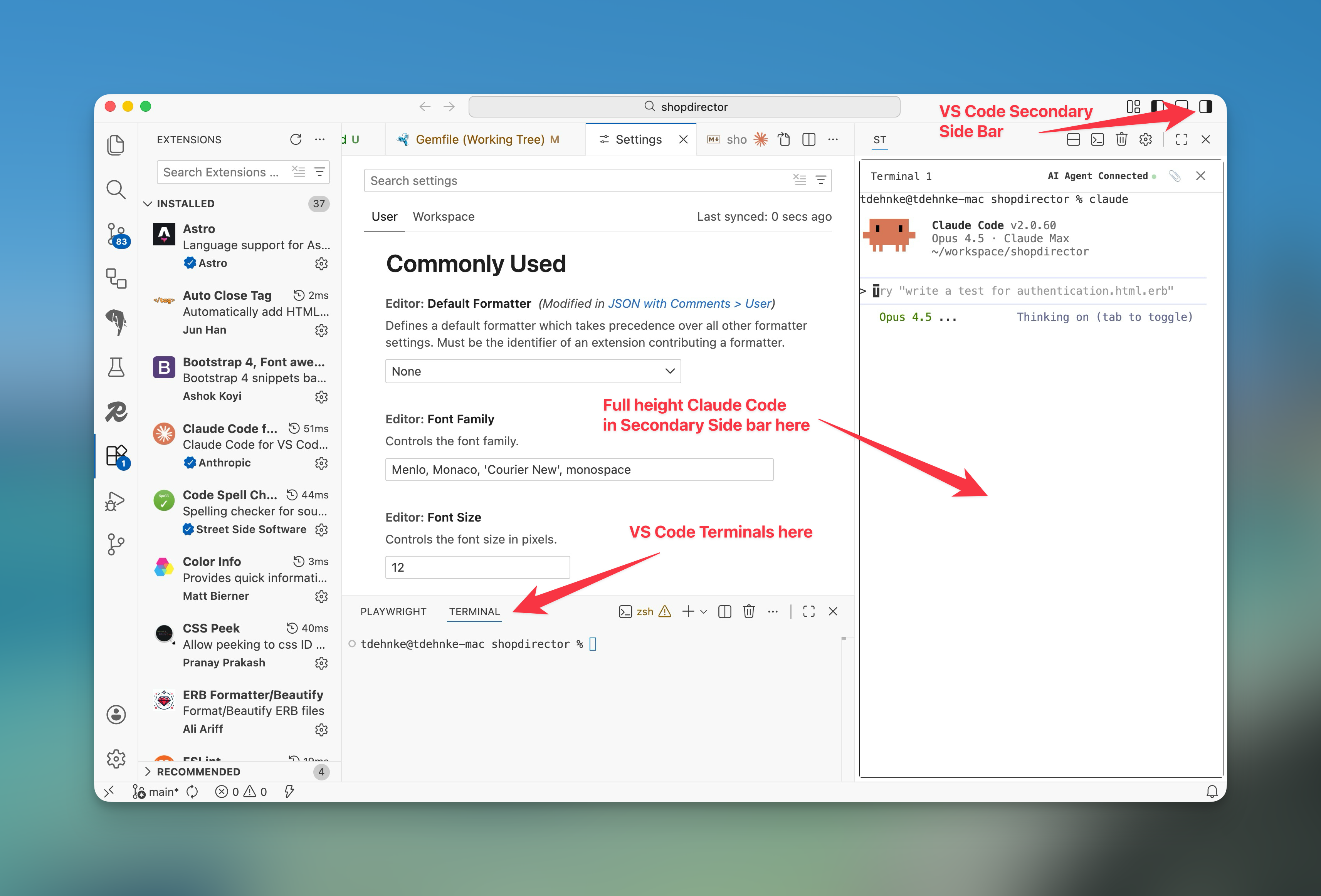
If you like using the Claude Code CLI in VS Code instead of the Claude Code GUI extension (it’s clunky & not as well featured), but want the Cursor or Windsurf chat look, with a full height chat on the right (or left) side of your window, here is how:
Use the Secondary Terminal extension by s-hiraoku to add a dedicated terminal view in VS Code’s Secondary Side Bar loaded with your Claude or Codex CLI.
Secondary Terminal (formerly Sidebar Terminal) Extension: https://github.com/s-hiraoku/vscode-sidebar-terminal